
How to Use a Drug Interaction Checker Tool Effectively
 Dec, 2 2025
Every year, tens of thousands of people end up in the hospital because of unexpected reactions between their medications. Some of these reactions happen because someone took a common painkiller with an antidepressant. Others occur when someone starts a new supplement without realizing it cancels out their blood pressure medicine. These aren’t rare mistakes-they’re preventable. And one of the best tools to stop them before they start is a drug interaction checker.
What a Drug Interaction Checker Actually Does
A drug interaction checker isn’t magic. It doesn’t predict the future. But it does something powerful: it compares the list of medications, supplements, and even foods you’re taking against a database of known reactions. These tools look at how drugs behave in your body-how they’re absorbed, broken down, and eliminated-and flag when two substances might clash.There are three main types of interactions these tools catch:
- Drug-drug: Like mixing warfarin with ibuprofen, which can raise your risk of bleeding.
- Drug-food/drink: Grapefruit juice slowing down how your body processes statins, leading to dangerous buildup.
- Drug-condition: Taking decongestants if you have high blood pressure-something a checker might not even ask you about unless you input your health conditions.
These aren’t theoretical risks. A 2019 World Health Organization report found that about 6.7% of all hospital admissions are caused by adverse drug reactions. Many of those could have been caught early with a simple check.
Not All Checkers Are Created Equal
You might think all drug interaction tools are the same. They’re not. There’s a big difference between what a pharmacist uses and what you find on a free website.Professional tools like Lexi-Interact and Micromedex are used in hospitals and clinics. Lexi-Interact is great at catching even rare interactions-it has a sensitivity rate of 77%, meaning it spots most real risks. But it also throws up a lot of false alarms. One hospital pharmacist told me they dismiss nearly half of its alerts because they’re not clinically meaningful.
Micromedex, on the other hand, is more selective. With 78% specificity, it’s better at ignoring noise. But that means it might miss something subtle. If you’re on five or more medications, using just one tool isn’t enough. The American Society of Health-System Pharmacists recommends checking with at least two systems because they disagree on up to 20% of cases.
For everyday users, free tools like Drugs.com and WebMD are popular. They’re easy to use and cover many common prescriptions. But their accuracy drops to around 60%. A 2022 case in the Journal of Patient Safety involved a patient who relied on a free checker that missed a deadly interaction between sertraline and linezolid. That combination can cause serotonin syndrome-a life-threatening condition. The tool didn’t flag it. The patient ended up in intensive care.
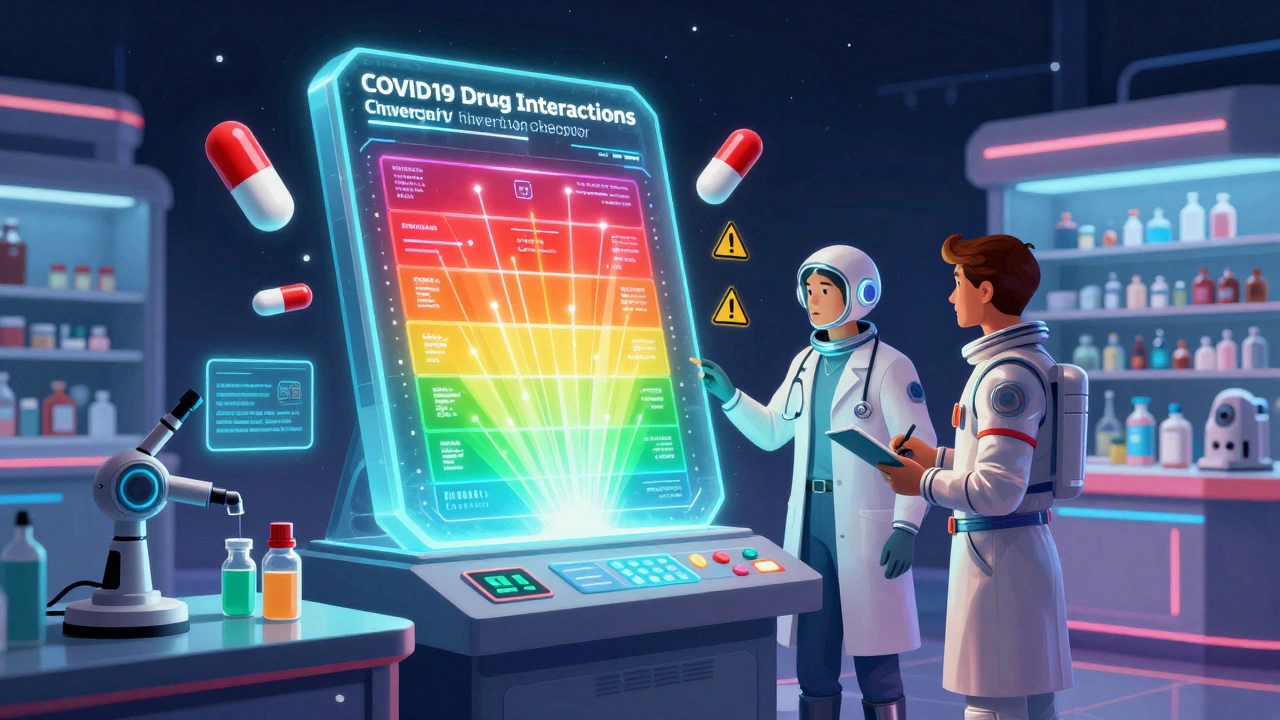
The standout exception? The University of Liverpool’s COVID-19 Drug Interactions Checker. Launched in 2020 and updated weekly, it’s the gold standard for checking interactions with Paxlovid (nirmatrelvir/ritonavir). It doesn’t just tell you there’s a risk-it tells you what to do instead. It uses color codes: red means don’t combine, orange means proceed with caution, yellow means monitor, green means safe. It’s so accurate, doctors at the CDC and BC Centre for Disease Control still recommend it in 2025.
How to Use a Checker Right-Step by Step
Using one of these tools isn’t enough. You have to use it right. Here’s how:- Make a full list. Don’t just write down your prescriptions. Include every over-the-counter pill, herbal supplement, vitamin, and even CBD oil. About 23% of dangerous interactions involve something you bought without a prescription.
- Use the right tool. If you’re a patient, start with Drugs.com or WebMD. If you’re a caregiver or healthcare worker, use Lexi-Interact or Micromedex if you have access.
- Enter everything accurately. Use generic names when possible (like “metformin”) instead of brand names (“Glucophage”)-some tools handle generics better. But if you’re unsure, enter both.
- Check for conditions. Some tools let you add your health conditions. If you have kidney disease, liver problems, or heart failure, turn that on. A drug that’s fine for a healthy person can be dangerous if your body can’t process it.
- Focus on red and orange flags. Most tools will show dozens of interactions. But only 5-10% are serious. Look for warnings like “contraindicated,” “high risk,” or “monitor closely.” Don’t ignore yellow ones either-they might matter if you’re on long-term therapy.
- Don’t trust green. Just because a tool says “no interaction” doesn’t mean it’s safe. Databases aren’t complete. New drugs come out every year, and many haven’t been tested against every possible combination.
Where These Tools Fall Short
Even the best tools have blind spots. Here’s what they can’t do:- They don’t know your body. A drug might interact differently if you’re older, have liver damage, or are taking it with food. No tool can account for individual biology.
- They miss supplements. Herbal products like St. John’s wort, kava, or echinacea aren’t always in the database. One study found 65% of critical comments about WebMD’s tool cited incomplete supplement coverage.
- They don’t consider timing. Taking two drugs 12 hours apart might be safe, but most tools assume you’re taking them together. Tools like Epic’s new “InteractionGuard” are starting to factor in dosing schedules, but most consumer tools still don’t.
- They can’t replace a pharmacist. The FDA says outright: no interaction checker should replace professional review for complex regimens. If you’re on five or more meds, you need a pharmacist to walk through them with you.
What Experts Say-And What You Should Do
Dr. David Flockhart, a leading pharmacologist, put it simply: “DDI checkers are essential but imperfect tools that must be paired with clinical judgment.” That’s the key. These tools are assistants-not replacements.Here’s what real experts recommend:
- Use two tools if you’re on multiple medications. Cross-check between Drugs.com and Medscape, or Lexi-Interact and Micromedex.
- Always talk to your pharmacist. They can spot what the tool misses-like a supplement you forgot to mention, or a dose that’s too high for your age.
- Don’t stop a medication because a checker flagged it. Some interactions are manageable with dose changes or timing adjustments. Ask your doctor before making any changes.
- Update your list every time your meds change. Even a new OTC cold medicine can throw off your whole regimen.
The market for these tools is growing fast. Hospitals spend millions on integrated systems. But for most people, the best approach is simple: use a reliable free tool, double-check with a second one, and always follow up with your healthcare provider.
Final Checklist Before You Take That New Pill
Before you start anything new-whether it’s a prescription, a supplement, or even a herbal tea-run through this:- Do I have a complete list of everything I’m taking?
- Have I checked it on at least one trusted tool (Drugs.com or WebMD)?
- Have I checked it on a second tool if I’m on more than three medications?
- Have I told my pharmacist or doctor about this new addition?
- Am I aware that green doesn’t mean “no risk”-just “no known interaction yet”?
Medications save lives. But when they clash, they can hurt you. A drug interaction checker is your first line of defense. Use it right, and you’re not just avoiding side effects-you’re taking control of your health.
Can I trust free drug interaction checkers like WebMD or Drugs.com?
Yes-but with limits. Free tools like WebMD and Drugs.com are useful for basic checks and catching obvious risks. But their accuracy is around 60%, meaning they miss nearly 4 in 10 real interactions. They’re good for quick checks but shouldn’t be your only source, especially if you’re on multiple medications or have chronic conditions. Always verify serious findings with a pharmacist.
Do drug interaction checkers include supplements and herbal products?
Some do, but coverage is inconsistent. Tools like Drugs.com and Lexi-Interact include many common supplements, but many herbal products-especially lesser-known ones-are missing. St. John’s wort, kava, and echinacea are often flagged, but others may not be. About 65% of user complaints about free checkers mention incomplete supplement databases. If you’re taking anything herbal, assume the tool might not catch it and ask your pharmacist directly.
What should I do if a drug interaction checker flags a serious interaction?
Don’t panic, and don’t stop your medication on your own. Write down exactly what the tool flagged and bring it to your doctor or pharmacist. Many flagged interactions can be managed-by changing the dose, timing the medications differently, or switching to a safer alternative. Stopping a medication abruptly can be dangerous. Your provider has the training to weigh the risk versus benefit.
Why do different drug interaction checkers give different results?
Because they use different databases, algorithms, and risk thresholds. Lexi-Interact is designed to catch every possible interaction, even unlikely ones, so it gives more alerts. Micromedex is tuned to reduce false alarms, so it might miss something subtle. A 2016 NIH study found major tools disagree on up to 20% of cases. That’s why experts recommend using at least two tools, especially if you’re on multiple medications.
Are drug interaction checkers useful for older adults taking multiple medications?
They’re essential. People over 65 take an average of 4.8 prescription medications, and the risk of dangerous interactions rises sharply with each additional drug. Studies show that nearly 70% of hospital admissions for drug reactions involve older adults. A checker can help catch hidden risks-like an antacid interfering with an antibiotic, or a blood thinner interacting with a new arthritis pill. But always pair it with a pharmacist review, since older bodies process drugs differently.
Can I rely on my pharmacy’s computer system to catch all interactions?
Most community pharmacies do use interaction checkers, but not all systems are equal. Only 37% of community pharmacies have fully integrated systems, and even then, they often don’t include supplements or OTC meds unless you tell them. If you’re picking up a new prescription, always mention everything else you’re taking-even if you think it’s harmless. Your pharmacist can’t protect you if they don’t know the full picture.
Is there a drug interaction checker for COVID-19 medications like Paxlovid?
Yes-the University of Liverpool’s COVID-19 Drug Interactions Checker is the most trusted tool for Paxlovid (nirmatrelvir/ritonavir). It’s updated weekly with new evidence and includes over 1,200 potential interactions. It’s used by doctors worldwide and is the only tool that clearly recommends alternative treatments if a conflict is found. If you’re prescribed Paxlovid, use this tool first, then confirm with your doctor or pharmacist.
Next Steps: What to Do Today
If you’re taking any medications, supplements, or even regular over-the-counter pills, here’s what to do right now:- Open your medicine cabinet and write down everything you take, including doses and how often.
- Go to Drugs.com or WebMD and enter each one.
- If you’re on more than three meds, check the same list on a second tool-like Medscape or the University of Liverpool’s checker if you’re on COVID meds.
- Print or screenshot the results.
- Take it to your next doctor or pharmacist appointment and say: “I checked this. What should I be worried about?”
You don’t need to be a medical expert to protect yourself. Just be informed. A few minutes with a drug interaction checker today could save you a trip to the ER tomorrow.
Gerald Nauschnegg
December 3, 2025 AT 18:54Yo I just checked my whole med list on Drugs.com and it flagged my ibuprofen and blood thinner as a red alert. I was like ‘oh shit’ and called my pharmacist. Turns out it’s fine if I take them 12 hours apart. These tools are wild but they don’t know your routine. Always follow up.
Joanne Rencher
December 5, 2025 AT 05:57Ugh. Another ‘just use a website’ article. You think people actually read this? My grandma took her 14 meds and a bottle of ginseng and just ‘trusted the app’. She ended up in the ER. No tool replaces a human who actually knows your history.
Adrianna Alfano
December 6, 2025 AT 19:47Okay but let’s be real-free checkers are garbage for supplements. I took ashwagandha and they didn’t even flag it with my thyroid med. Then I found a 2021 study in JAMA that said it can mess with TSH levels. Why don’t these tools even try? I’m not a pharmacist but I read. And I’m pissed that my health is being outsourced to a website that thinks ‘kava’ is a coffee brand.
Also, the Liverpool checker is the only one that actually tells you what to DO instead of just screaming ‘DANGER’. Why isn’t that the default? Why are we still using tools that act like they’re from 2012?
And yes, I typed this with one hand because my other one’s holding my blood pressure pill. And no, I didn’t trust the green light.
Casey Lyn Keller
December 7, 2025 AT 22:14I think these tools are part of a Big Pharma scheme to make us paranoid so we buy more meds. My cousin used one and stopped his statin because it said ‘possible interaction’ with his vitamin D. He had a heart attack six months later. The real danger is trusting algorithms over your doctor.
Storz Vonderheide
December 8, 2025 AT 16:04As someone who helps elderly patients navigate meds, I can’t stress this enough: use two tools. I’ve seen Lexi-Interact and Micromedex contradict each other on the same combo. One says ‘caution’, the other says ‘safe’. That’s why we always print both results and bring them to the pharmacist. It’s not about being paranoid-it’s about being thorough. And yes, include every pill, even the ones you only take when you have a headache.
Also, if you’re on 5+ meds, schedule a med review with your pharmacist. It’s free at most pharmacies. They’ll catch what the tool misses-like that OTC sleep aid you’ve been taking since 2018.
dan koz
December 10, 2025 AT 07:31Man in Nigeria here-our pharmacy system is trash. No digital checker, no access to Lexi-Interact. We use Drugs.com on our phones and pray. But I still list every herb I take-ginger, moringa, bitter leaf-because even if the tool doesn’t know it, my body knows. If you’re on meds, don’t trust the green. Trust your gut. And tell your pharmacist everything. Even if you think it’s ‘just tea’.
Kevin Estrada
December 10, 2025 AT 18:55Okay but the Liverpool checker? That’s the only thing keeping me alive since I got Paxlovid. I had a friend who used WebMD and took melatonin with it-she ended up in ICU for 3 days. I screamed at her. Like, what even is your life? This isn’t a game. The Liverpool tool has color codes like a traffic light for your life. Red = stop. Orange = slow down. Green = breathe. Why isn’t this on every pharmacy website? Someone’s making money off people dying.
Katey Korzenietz
December 11, 2025 AT 19:5560% accuracy? That’s not a tool. That’s a coin flip. My cousin took sertraline and ibuprofen. Checker said ‘green’. She had serotonin syndrome. She’s fine now. But she’ll never trust a website again. Ever. Not after nearly dying because someone coded a bot to guess what your body does.
Ethan McIvor
December 12, 2025 AT 22:05It’s funny how we treat meds like they’re apps. Download, install, run. But your body isn’t a smartphone. It’s a living, breathing, chemically complex system that changes every day. These tools are like GPS maps-they help, but they don’t know if the road’s flooded or if you’re driving drunk. The real intelligence is in the person holding the phone. And the pharmacist holding the bottle.
Mindy Bilotta
December 14, 2025 AT 02:10Just want to add-when you enter meds, spell everything out. I once saw someone type ‘vit c’ and the tool missed the interaction with their blood thinner. It’s ‘vitamin C’. Full name. Same with ‘CBD oil’ vs ‘cannabidiol’. And don’t forget the dose. 100mg vs 10mg changes everything. I’ve caught 3 near-misses just because someone typed it right.